Admin UI behind an OAuth proxy
Keel can delegate authentication for its Admin UI and Admin API to an external reverse proxy such as oauth2-proxy. This mode is explicitly opt-in and leaves existing installations unchanged.
Use this setup when your identity provider supports OAuth or OpenID Connect (OIDC) and you do not want users to see Keel's local login screen or share Keel Basic Auth credentials.
How it works
In external-proxy mode, oauth2-proxy authenticates the user and forwards the
request and user identity to Keel:
browser -> Ingress -> Service:4180 -> oauth2-proxy -> 127.0.0.1:9300 -> Keel
Keel does not validate the provider's OAuth token or create a local session. Instead, it binds its HTTP server to the Pod's loopback interface and trusts the sidecar proxy. The Helm Service sends all traffic to oauth2-proxy on port 4180; port 9300 must not be exposed outside the Pod.
Security boundary
Do not expose Keel port 9300 with another Service, hostPort, hostNetwork, or
another sidecar. Any client that can reach the listener can forge the identity
header. The loopback-only listener is what makes the proxy trust boundary safe.
Before you start
You need:
- a Keel image and chart version that includes external authentication proxy support;
- an OAuth/OIDC client registered with your identity provider;
- a public HTTPS URL for Keel, such as
https://keel.example.com; - a callback URL registered with the provider as
https://keel.example.com/oauth2/callback; - an existing Kubernetes Ingress controller and TLS Secret.
The example below uses generic OIDC settings. Change the issuer, client credentials, email domain, public URL, and TLS Secret for your environment.
1. Create the oauth2-proxy Secret
Generate a random 32-character cookie secret and store it with the provider client credentials. The Secret keys use oauth2-proxy's environment variable names.
kubectl create namespace keel

kubectl -n keel create secret generic keel-oauth2-proxy \
  --from-literal=OAUTH2_PROXY_CLIENT_ID='keel' \
  --from-literal=OAUTH2_PROXY_CLIENT_SECRET='replace-with-provider-client-secret' \
  --from-literal=OAUTH2_PROXY_COOKIE_SECRET="$(openssl rand -hex 16)"
The value delivered to oauth2-proxy must be 16, 24, or 32 bytes; the command above produces a 32-character value. Keep this Secret out of source control.
2. Configure Keel and oauth2-proxy
Save the following as keel-values.yaml and replace the example hostnames:
auth:
  mode: external-proxy
  proxyUserHeader: X-Forwarded-User
  proxyLogoutURL: /oauth2/sign_out?rd=/

basicauth:
  enabled: false

oauth2Proxy:
  enabled: true
  existingSecret: keel-oauth2-proxy
  extraArgs:
    - --provider=oidc
    - --oidc-issuer-url=https://identity.example.com
    - --redirect-url=https://keel.example.com/oauth2/callback
    - --email-domain=example.com
    - --scope=openid profile email
    - --prefer-email-to-user=true
    - --cookie-secure=true
    - --code-challenge-method=S256

service:
  enabled: true
  type: ClusterIP

ingress:
  enabled: true
  hosts:
    - host: keel.example.com
      paths:
        - /
  tls:
    - secretName: keel-tls
      hosts:
        - keel.example.com
Keep --pass-user-headers=true, which the chart configures for the sidecar, so
oauth2-proxy replaces client-supplied identity headers. The chart pins the
oauth2-proxy image by digest.
3. Install Keel
helm repo add keel https://charts.keel.sh
helm repo update
helm upgrade --install keel keel/keel \
  --namespace keel \
  --create-namespace \
  --values keel-values.yaml
The chart refuses unsafe or conflicting combinations, including
external-proxy with Basic Auth, a missing oauth2-proxy Secret, a disabled
sidecar, or a disabled Service.
Confirm that the Service targets the proxy rather than Keel:
kubectl -n keel get pods
kubectl -n keel get service keel -o jsonpath='{.spec.ports[0].targetPort}{"\n"}'
The Pod should have both keel and oauth2-proxy containers, and the Service
target port should be 4180, not port 9300.
4. Sign in
Open the public Keel URL. An unauthenticated request is redirected to your identity provider.
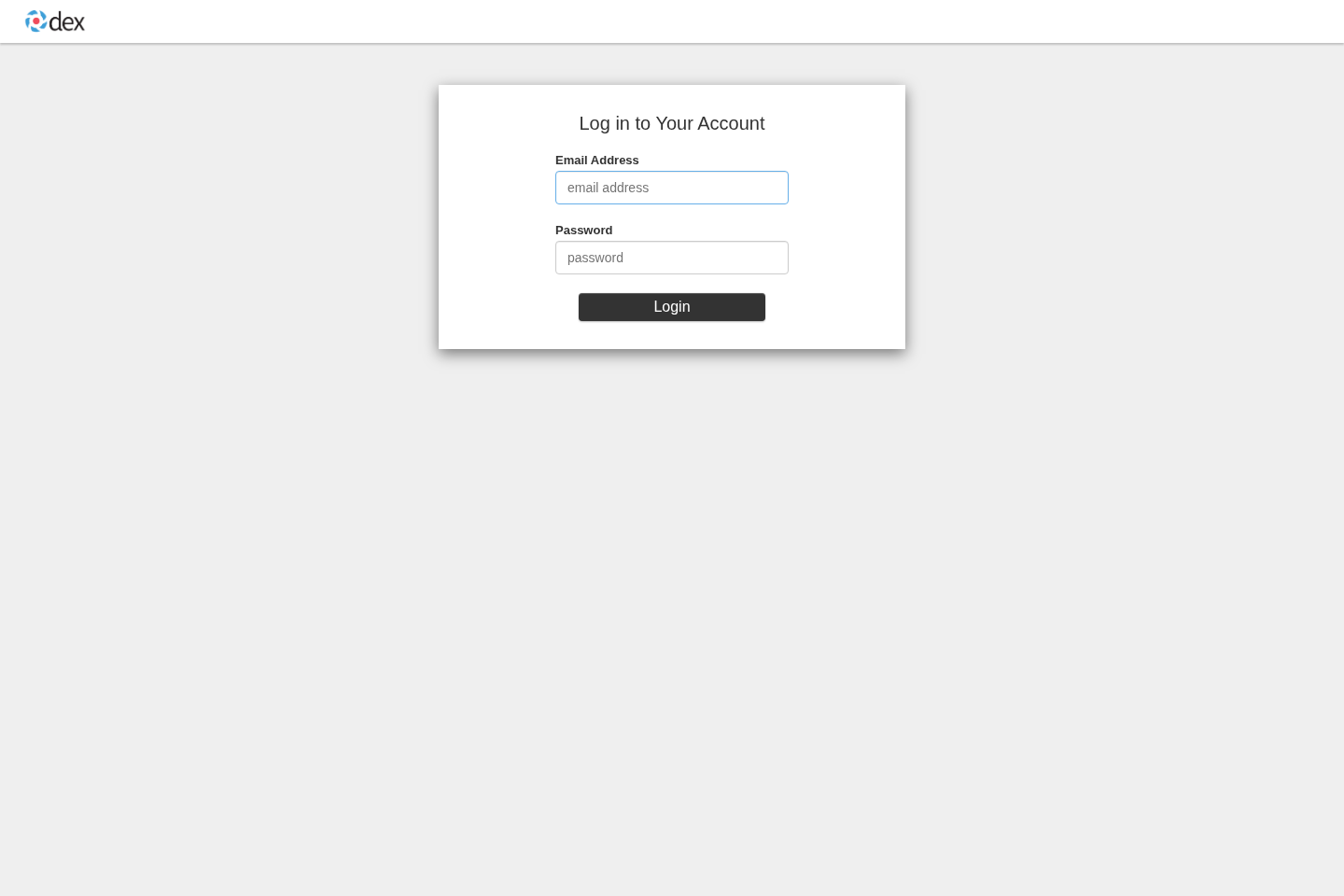
After authentication, oauth2-proxy returns the browser to Keel. The Admin UI opens directly without Keel's local login page.
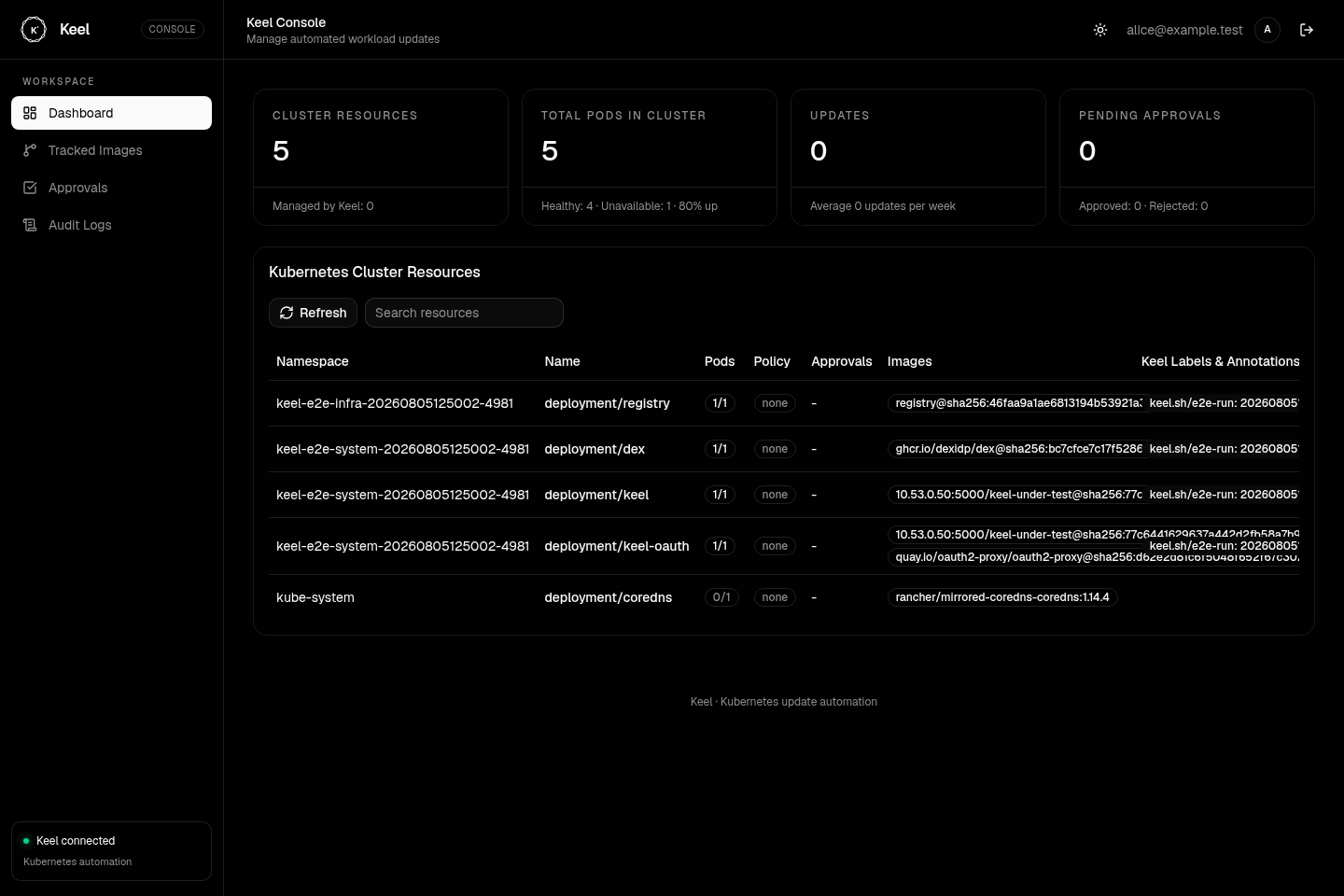
The authenticated identity appears in the UI and is used for approval audit attribution. In external-proxy mode, Keel replaces a client-supplied approval voter name with this trusted identity.
Ingress and webhook routes
Route /oauth2/*, the UI, static assets, and /v1/* through the same Service.
Keel has no WebSocket routes.
oauth2-proxy protects every path by default, including registry webhook
endpoints. If a provider must reach a webhook without logging in, add a
--skip-auth-route rule only after reviewing that route individually. Every
exception expands the public authentication boundary.
Configuration reference
| Helm value | Environment variable | Description | Default |
|---|---|---|---|
auth.mode | AUTH_MODE | legacy, basic, or external-proxy | legacy |
auth.proxyUserHeader | AUTH_PROXY_USER_HEADER | Stable identity header trusted from the proxy | X-Forwarded-User |
auth.proxyLogoutURL | AUTH_PROXY_LOGOUT_URL | Same-origin proxy sign-out path | /oauth2/sign_out?rd=/ |
oauth2Proxy.enabled | — | Run oauth2-proxy as a sidecar | false |
oauth2Proxy.existingSecret | — | Secret containing oauth2-proxy credentials | — |
oauth2Proxy.extraArgs | — | Provider-specific oauth2-proxy arguments | [] |
AUTH_MODE=basic requires both Basic Auth variables. External-proxy mode
rejects Basic Auth variables, invalid identity header names, and absolute or
cross-origin logout URLs. Proxy-only variables in other modes also fail at
startup. Keel logs the selected mode, loopback address, and trusted identity
header so the boundary is visible to operators.
Logout behavior
The UI logout action clears the oauth2-proxy cookie through
auth.proxyLogoutURL. Whether it also ends the identity provider's SSO session
depends on that provider's configuration. If the provider session remains
active, returning to Keel may sign the user in again immediately.
Troubleshooting
The Keel login page still appears
Check the running container's AUTH_MODE. It must be external-proxy. Also
confirm that your deployed image contains external-proxy support and that the
browser is reaching oauth2-proxy on port 4180.
Requests return 401 after provider login
Check that oauth2-proxy is forwarding X-Forwarded-User, or set
auth.proxyUserHeader to the stable header emitted by your proxy. Do not use a
header that the proxy preserves from the original client request.
Provider login redirects to an error
The redirect URL registered with the provider must exactly match
--redirect-url, including scheme, hostname, and /oauth2/callback path.
Helm rendering fails
Read the validation error and check that Basic Auth is disabled, the sidecar
and Service are enabled, and oauth2Proxy.existingSecret is set. These checks
intentionally fail closed rather than rendering a directly exposed Keel API.
Local end-to-end verification
Keel's deterministic k3s test deploys Keel, oauth2-proxy, and Dex without an external OAuth account or repository secret. It verifies redirects, login, UI and API access, audit identity, direct-listener isolation, spoofing protection, and logout:
make e2e
The test creates and removes its own k3s environment and writes failure logs to
.test/artifacts/. It intentionally refuses to run over an existing local k3s
installation.